
Platforms
HAEVN supports 9 AI platforms. Each platform has its own sync method and feature set.
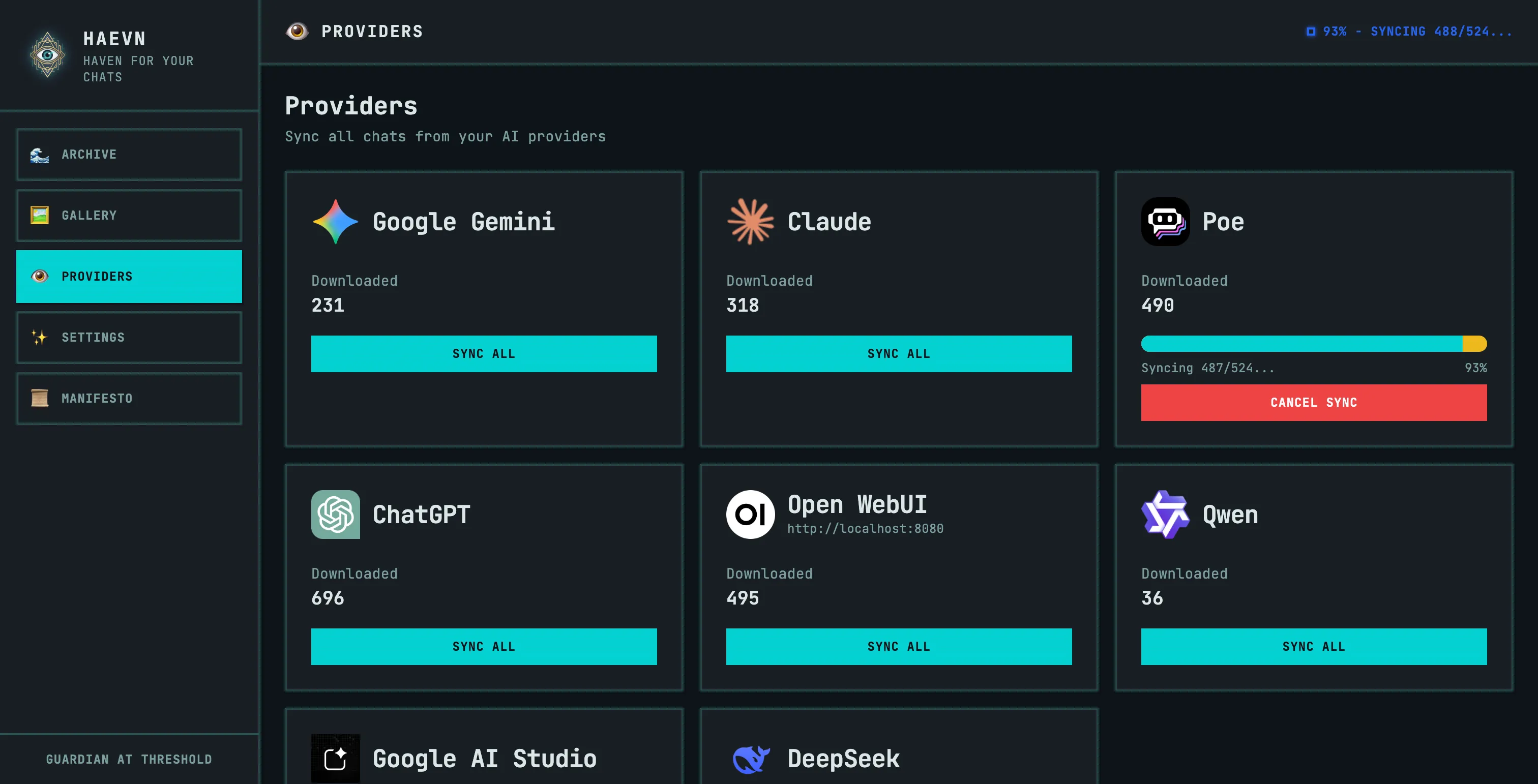
Platform comparison
Section titled “Platform comparison”| Platform | Sync method | Images | Thinking blocks | Tool calls |
|---|---|---|---|---|
| ChatGPT | API | ✅ | — | ✅ |
| Claude | API | ✅ | ✅ | ✅ |
| Google Gemini | Navigation | ✅ | — | — |
| Poe | Navigation | ✅ | — | — |
| Open WebUI | API | ✅ | — | ✅ |
| Qwen | API | — | — | — |
| DeepSeek | API | — | ✅ | — |
| Google AI Studio | Navigation | ✅ | — | — |
| Grok | API | ✅ | — | ✅ |
Sync methods explained
Section titled “Sync methods explained”API sync — HAEVN calls the platform’s internal API to fetch conversations. This is fast (seconds per conversation), runs silently in the background, and doesn’t require the platform to be visible in a tab.
Navigation sync — HAEVN navigates through the platform’s web interface to extract conversations. This is slower (requires actual page navigation) but works for platforms that don’t expose a usable API. The platform tab must remain open during the sync.
Adding a platform
Section titled “Adding a platform”If you use an AI platform not listed here, open a GitHub issue to request support. See the developer guide if you’d like to contribute a new provider yourself.