
Open WebUI
API sync
Fast
Requires setup
Open WebUI is a popular self-hosted frontend for running local AI models (Ollama, LM Studio, etc.). HAEVN syncs Open WebUI conversations via its API, but you need to tell HAEVN where your instance is running.
Setup: Configure your Open WebUI URL
Section titled “Setup: Configure your Open WebUI URL”-
Open the HAEVN archive (click Archive in the popup, or right-click → Options).
-
Click Settings in the left sidebar.
-
Enter your Open WebUI base URL in the Open WebUI Base URL field.
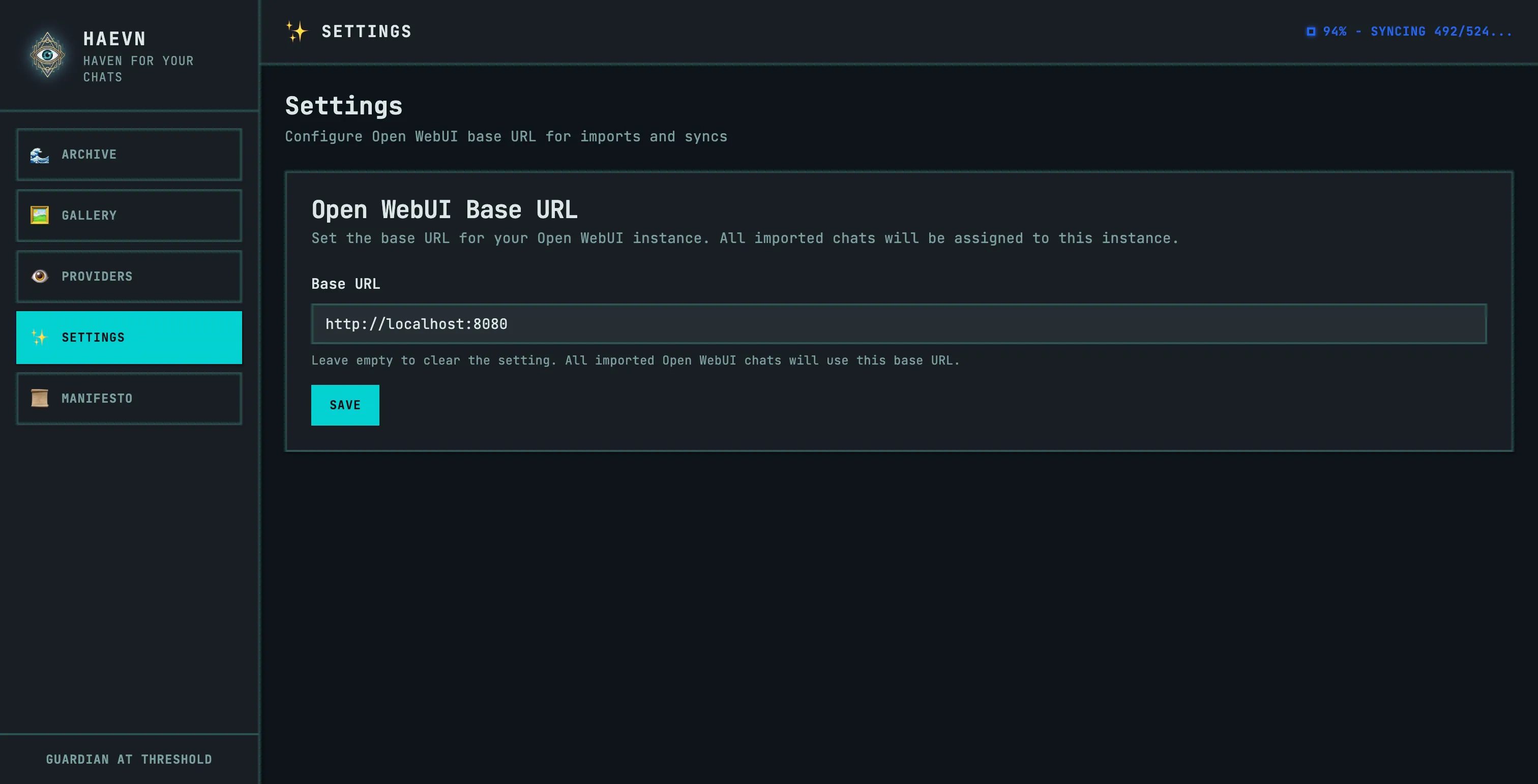
-
Click Save.
Once configured, HAEVN will detect any page from your Open WebUI instance and enable sync for it.
Supported URLs
Section titled “Supported URLs”Any URL that matches your configured base URL (e.g. http://localhost:8080, https://ai.mycompany.com).
What gets synced
Section titled “What gets synced”| Content | Supported |
|---|---|
| Text messages | ✅ |
| User-uploaded images | ✅ |
| Model-generated images | ✅ |
| File attachments | ✅ |
| Model name and parameters | ✅ |
| Tool calls (if configured) | ✅ |
Known limitations
Section titled “Known limitations”- Authentication — HAEVN uses your existing browser session to authenticate with Open WebUI. If your Open WebUI requires separate login, make sure you’re logged in before syncing.
- Multiple instances — HAEVN currently supports one Open WebUI instance at a time. If you have multiple instances, you’ll need to change the URL in Settings to switch between them.